
ZEISS Officelens: The Desk Lens for Near and Mid-Range
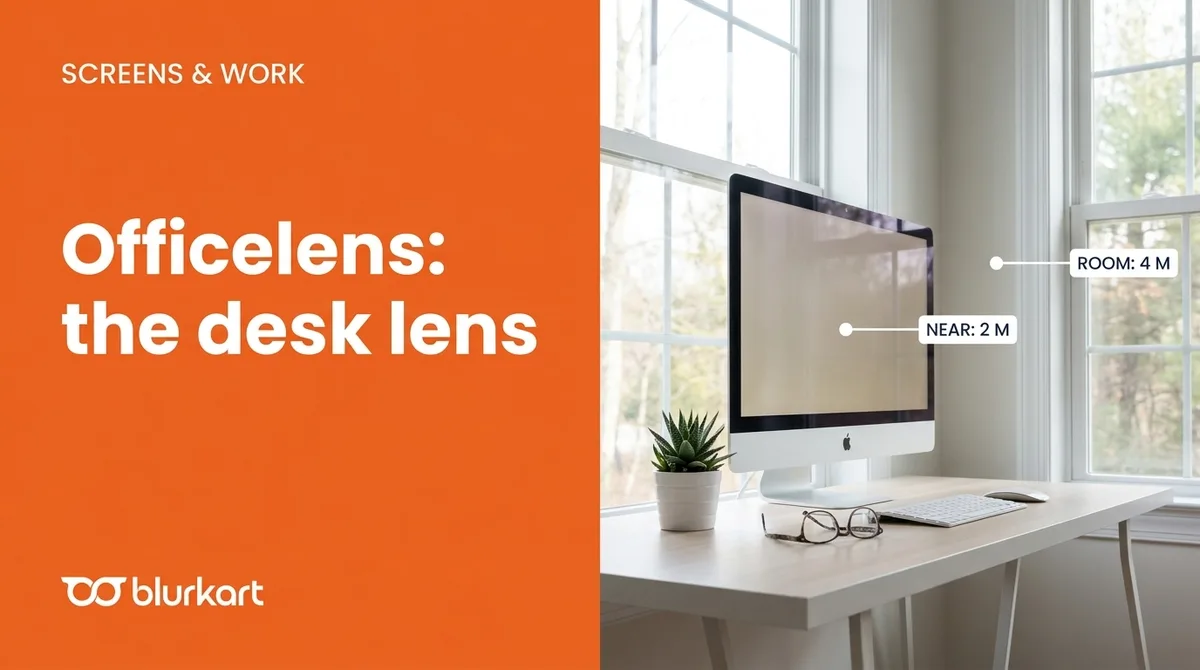
ZEISS Officelenses are lenses for near to mid-range vision, designed for desk work and computer use. They come in Near (clear up to about 2 metres) and Room (up to about 4 metres) types, plus an Individual version, and in Plus, Superb and Individual tiers. They are made for the office, not for driving or distance.
Quick answer
ZEISS Officelenses give clear vision from reading distance to mid-range, so you can see your screen, documents and the people around your desk without craning your neck. They are a desk lens, not an all-purpose lens.
If you are in your 40s or beyond and spend your day at a computer, you may have noticed the problem. Reading glasses make the screen blurry, and progressive lenses may give you only a narrow band of clear mid-range vision, which forces you to tilt your head up and down. Officelenses were created to fill that gap.
How Officelenses work
A standard progressive lens spends part of its area on distance vision. An Officelens drops the long-distance part and spends the lens on near and intermediate zones instead. The result is a wider clear field at the distances you use at work, with a fast transition from reading to screen distance and minimal head and eye movement.
The types
| Type | Maximum clear distance | Best for |
|---|---|---|
| Near | About 2 metres | A desk, computer and reading |
| Room | About 4 metres | Meetings, small rooms, teaching |
| Individual | Tailored to you | Specific work set-ups and distances |
They are available in three design levels: Officelens Plus, Superb and Individual. ZEISS also notes that its clear lenses block UV up to 400 nm.
Officelens, digital lens or progressive?
- Digital lens: you still see distance clearly and need a gentle near boost, often in the mid-30s to 40s.
- Officelens: you need clear near and mid-range vision for long desk sessions and can use a separate pair for distance.
- Progressive: you want one pair for everything, including distance, driving and walking.
Important limitations
Because distance vision is limited, do not wear Officelenses for driving or walking around. Keep them for the desk and switch to your main glasses when you leave the room. ZEISS describes them as a smart addition to single vision and progressive lenses, which is why many people treat them as a second pair.
A quick way to check if you need them
- Do you tilt your head back to see the monitor through your progressives?
- Do reading glasses make a screen two feet away blurry?
- Does your neck or shoulder ache after long desk days?
If you answered yes to any, ask about office lenses. Book a free eye test at Blurkart and describe your work set-up so we can recommend the right distances.
Information is based on ZEISS product pages. Design names and availability vary by market.
Frequently asked
- What is an office lens?
- It is a lens designed for near and intermediate distances, such as a laptop, desktop monitor, documents and colleagues across a desk or small room. It replaces the need to tilt your head into a progressive's narrow zones.
- What is the difference between Near and Room?
- In the Near type, the furthest clear distance is about 2 metres, ideal for desk work. In the Room type it is about 4 metres, giving more range around a room or small office.
- Can I use Officelenses all day?
- They are designed for office-type tasks. Because distance vision is limited, they are not for driving or walking around outdoors. Many people keep them as a second pair for work.
- Who needs them most?
- People who spend hours at a screen and find reading glasses too blurry at mid-range, or progressives too restrictive at the computer.
- How is an Officelens different from a digital lens?
- A digital lens is for people who still see well at distance and need only a gentle near boost. An Officelens is for people who need clear near and intermediate vision and do not need distance in that pair.